
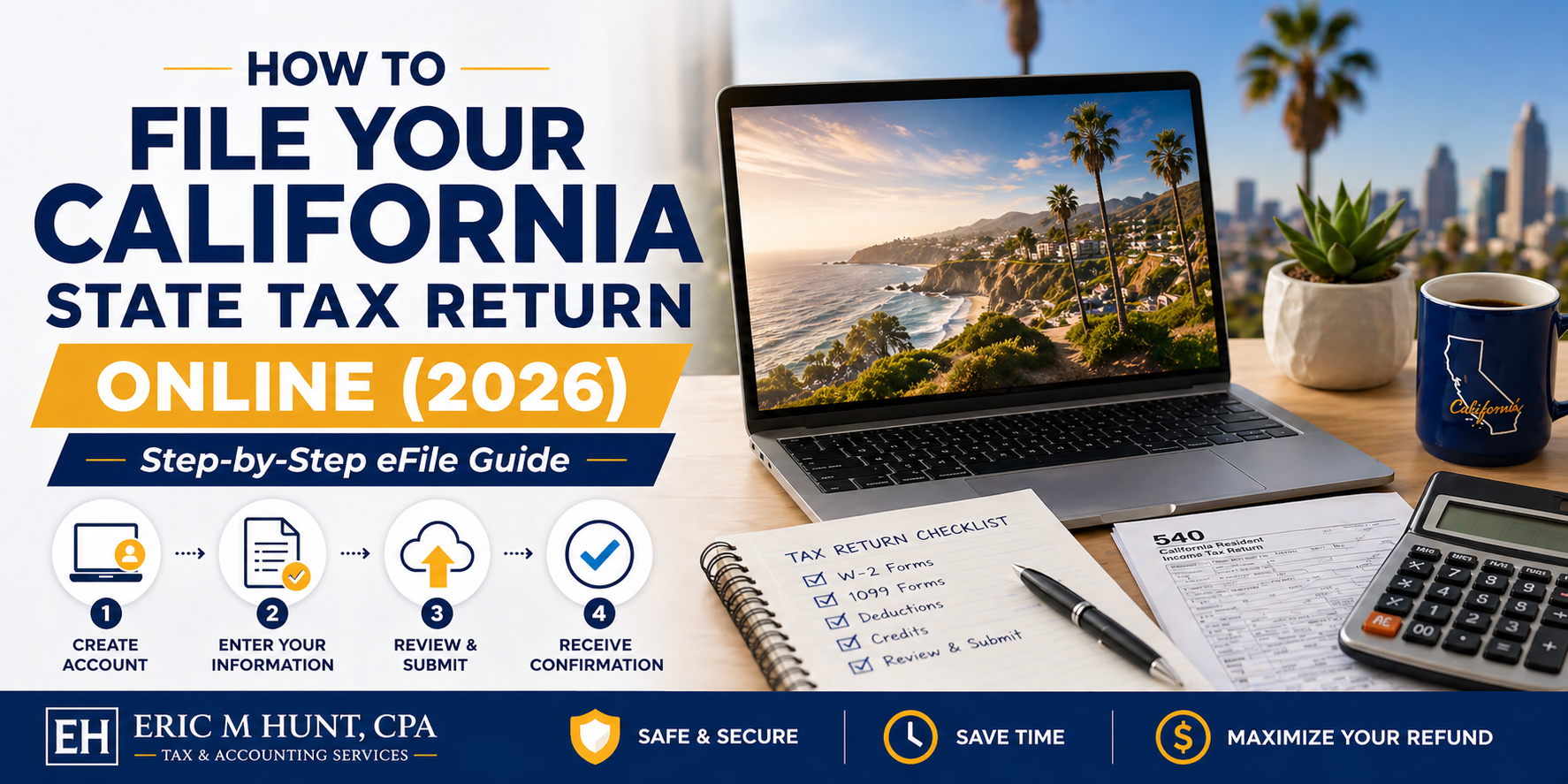
Filing your California state tax return online sounds simple – until you actually sit down to do it. You open a portal, see multiple forms, different numbers than your federal return, and suddenly, you are second-guessing everything. Most people do not struggle because filing is hard – they struggle because they do not know the right sequence.
In this guide, we will walk you through the process step-by-step of how to file your California state tax return online. Here we have explained it – clearly, practically, and without unnecessary jargon.
Before You Start: Get Your Documents in Order
Online filing becomes easy only if your documents are ready.
Here’s what you should have in front of you:
- W-2 forms (for employees)
- 1099 forms (for freelancers or contractors)
- Records of other income (investments, rent, etc.)
- Last year’s tax return
- Social Security Number or ITIN
- Bank account details (for refund or payment)
👉 Most filing mistakes happen because people rush this step.
Step 1: Start with Your Federal Tax Return First
This is where many people go wrong.
👉 Always complete your federal tax return before starting California taxes.
Why?
Because your California return is built from the numbers on your federal return, it “pulls” data and then adjusts it based on California-specific rules.
If your federal return is incomplete or incorrect, your state return will be too.
Step 2: Choose How You Want to File Online
You have two main options:
Option 1: Tax Software (Most Common)
This is the easiest method. Software automatically:
- Imports federal data
- Adjusts for California rules
- Calculates taxes
Option 2: California’s Free File System
California offers a free online filing option through its official system.
This works well if:
- Your tax situation is simple
- You do not have multiple income streams
👉 If your finances are even slightly complex, software or a CPA is usually safer.
Step 3: Enter Your Income Carefully (This Is Where Errors Start)
Now comes the critical part – reporting your income.
Even though your federal return is done, you still need to verify everything.
What to double-check:
- All W-2 and 1099 entries
- Investment income
- Freelance or side income
Here’s something important:
👉 California taxes capital gains as regular income – unlike federal taxes.
So do not assume the numbers will match exactly.
Step 4: Adjust for California-Specific Rules
This is where California differs from federal tax law.
Some deductions and rules are different.
Common adjustments include:
- State-specific deductions
- Different treatment of certain expenses
- Additions or subtractions to income
👉 This is why copying federal numbers unthinkingly can lead to mistakes.
Good tax software usually handles this, but you still need to review it.
Step 5: Apply Deductions and Credits
This is where you can actually reduce your tax bill.
California offers several deductions and credits, but many people miss them.
Key areas to check:
- Standard vs itemized deduction
- California Earned Income Tax Credit (CalEITC)
- Child-related credits
👉 Missing credits is one of the easiest ways to overpay taxes.
Step 6: Review Everything (Seriously, Don’t Skip This)
Most filing errors happen because people rush to submit.
Before you file, review:
- Income entries
- Deductions
- Filing status
- Bank details
Even a small typo can:
- Delay your refund
- Trigger notices
- Create compliance issues
👉 Take 10 extra minutes here – it’s worth it.
Step 7: Submit Your Return Online
Once everything looks correct, you can submit your return electronically.
After submission:
- You’ll receive a confirmation
- Your return is processed faster than paper filing
- Refund timelines are shorter
👉 E-filing is not just convenient – it’s also more accurate.
Step 8: Pay Taxes (If You Owe)
If you owe taxes, don’t delay payment.
Remember:
👉 Filing and payment deadlines are the same – even if you file an extension.
Payment options include:
- Bank transfer
- Debit/credit card
- Scheduled payments
Paying on time helps you avoid penalties and interest.
Step 9: Track Your Refund
If you’re expecting a refund, you can track it online.
Typical timeline:
- E-filed returns: Faster processing
- Paper returns: Slower
👉 Always choose direct deposit for quicker refunds.
Common Mistakes to Avoid While Filing Online
Even with online tools, people still make errors.
Watch out for:
- Entering incorrect income
- Skipping California adjustments
- Choosing the wrong filing status
- Missing credits
- Waiting until the last minute
Avoiding these mistakes can save both money and stress.
When Online Filing Isn’t Enough
Online filing works well for simple cases, but not always.
You should consider professional help if you have:
- Multiple income sources
- Business income
- Investments or capital gains
- High earnings
- Out-of-state income
This is where working with a professional like Eric M Hunt, CPA, can make a real difference – not just in filing, but in reducing your tax liability.
Final Thought
Filing your California state tax return online isn’t difficult – but doing it correctly requires attention to detail.
The process is straightforward if you follow the right sequence:
👉 Federal first → California adjustments → Review → File → Pay
Most mistakes don’t come from lack of tools – they come from rushing or assuming.
If you take your time and understand our guide on how to file your California state tax return online, you can file confidently and avoid unnecessary complications.
FAQs
1. Can I file my California tax return online for free?
Yes, California offers a free filing system for eligible taxpayers.
2. Should I file federal taxes before state taxes?
Yes, your California return depends on your federal return data.
3. How long does it take to get a California tax refund?
E-filed returns are processed faster, usually within a few weeks.
4. What happens if I make a mistake while filing online?
You may need to amend your return, which can delay processing.
5. Is online tax filing safe?
Yes, if you use secure and trusted platforms or official state systems.